



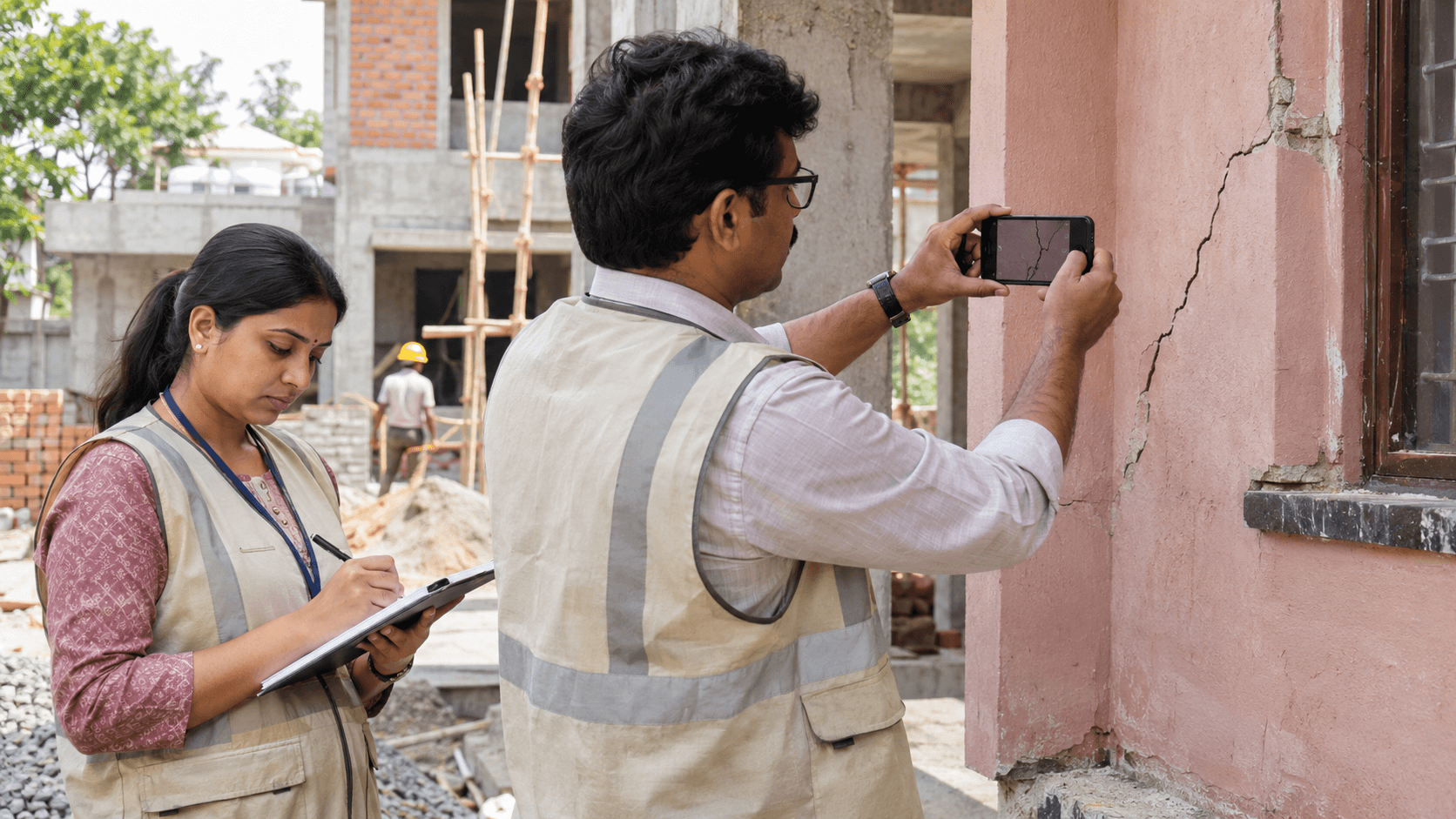


An inspector photographs a damp patch, writes a note on paper, and later sends the client a PDF. The client calls back asking which room the photo belongs to and whether the issue is urgent. The report exists, but the evidence, location and recommended next step have come apart.
A useful building-inspection portal should preserve that connection from the site visit to final delivery. Lumos's inspection product documentation shows common components such as project records, findings, interactive reports, PDF export and client delivery. Your own workflow may be simpler, but it still needs a reliable review step and controlled access.
Capture findings as structured observations
For each observation, record property, visit date, room or zone, element inspected, photo, short description and status. An inspector should be able to mark the location while standing at the site, not reconstruct it from a camera roll at night. If the signal is poor, capture locally and sync when online; prevent the same observation being uploaded twice after a retry.
Avoid an automatic severity score from a photo. A crack or water stain can have different causes and consequences. Let a qualified inspector choose the report wording and any severity or follow-up category. The software should make evidence easier to review, not pretend to make engineering judgements. If the assignment requires a particular professional standard or statutory form, map that requirement separately with the responsible practitioner.
Keep drafts distinct from the issued report
The inspector can collect rough notes and then submit a draft. A reviewer checks whether the photo matches the room, whether a recommendation has support, and whether anything sensitive should be omitted from the client copy. Only an approved report gets an issue date and client link. If a correction is needed later, issue a new version while preserving the prior one and the reason for change.
A practical example: visit 124 has eight observations. One photo was attached to the wrong bathroom; the reviewer corrects that before issuing version 1. Later a client supplies a missing plumbing record. The inspector adds an addendum as version 2. The client sees which document is current instead of two conflicting PDFs with the same filename.
The portal can generate a PDF for storage and a mobile-friendly page for viewing photos and findings. Give each finding an image reference that survives export. A client should not have to scroll through an unlabeled photo gallery to understand one item in the conclusion.
Secure delivery without creating friction
Emailing a file to the wrong address is hard to undo. A client portal can invite the named recipient, require sign-in for sensitive reports, and let staff revoke access. Access must be checked on every property and report, not only on the dashboard menu. The OWASP authorization guide is a useful technical reference for that boundary. Photos and documents also need safe upload handling; OWASP's upload checklist covers type validation, size limits and storage controls.
I can build the field capture and client delivery flow at adityazen when inspection teams need something more specific than a generic form builder. The first conversation should centre on the report your clients actually need to understand and the approval step your team can operate consistently.
Pilot one report type first
Choose a single inspection service and run three real cases through the system: straightforward findings, a report requiring reviewer correction, and an amended report. Check that photos stay in order, permissions are correct, PDF and web versions agree, and the client can open the report on a phone. Measure time from site visit to approved report and the number of clarification calls. That is a better test of value than a long features list.


