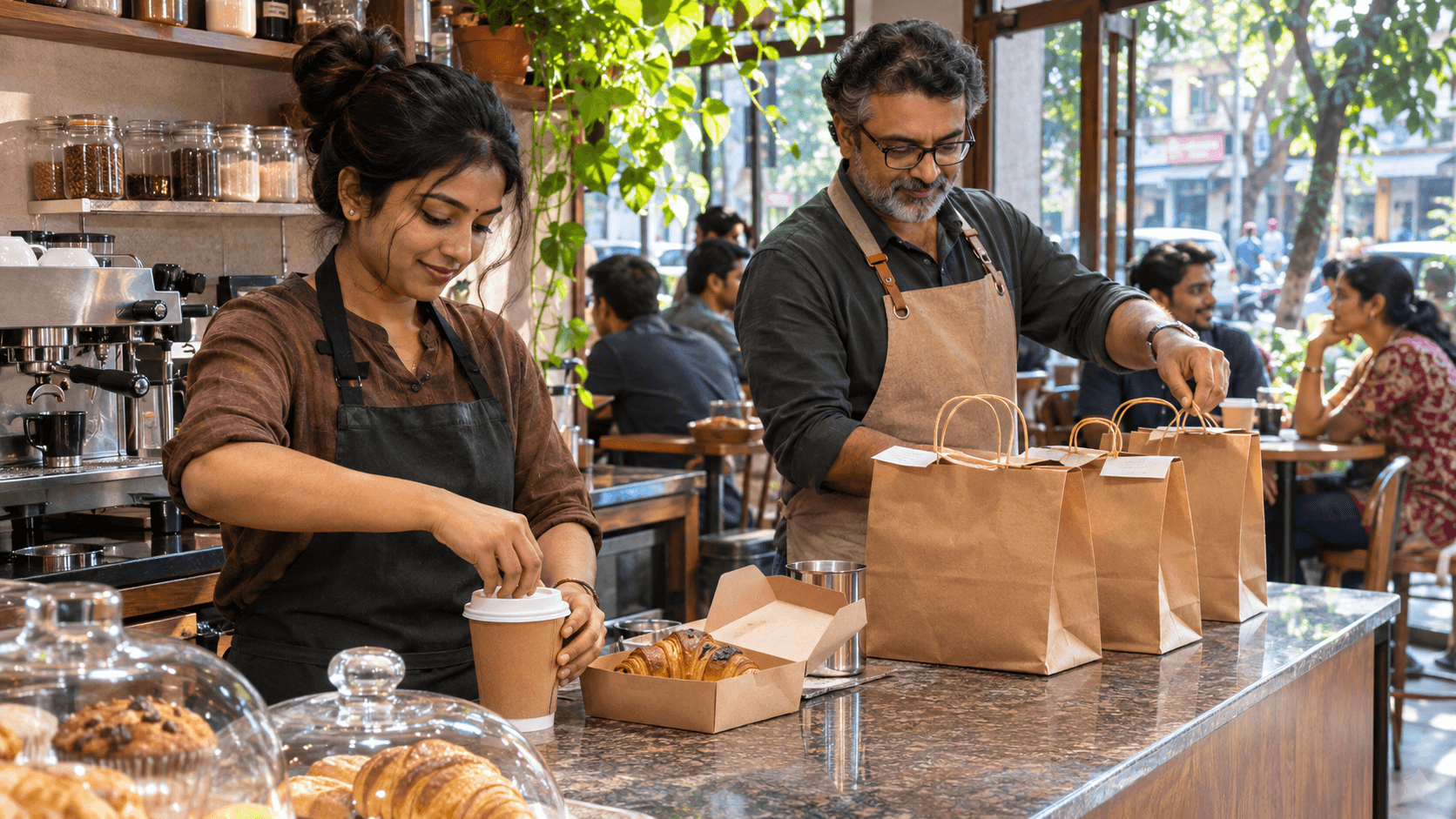


A café can accept an online order at 12:25 and promise 12:30 pickup, even though the lunch queue is already full. The customer sees a convenient slot; the barista sees an impossible deadline. The website needs to sell the capacity the café actually has.
Decide which products can be preordered
Separate quick drinks, baked goods, made-to-order meals and items that travel poorly. Give each item a preparation lead time and an availability window. A croissant may be sold out by noon even while the café is open. Stock and pickup capacity need separate checks.
Show the pickup branch and opening hours before checkout. If multiple branches exist, reserve stock and preparation capacity at the selected branch, not across the company as a whole.
Calculate a believable ready window
The earliest pickup time should account for the longest preparation step in the basket and the current kitchen queue. Put a cap on orders per interval, with a staff override for unusual situations. A payment attempt should not hold scarce capacity forever; release the hold when payment expires or fails.
WooCommerce's Order Delivery documentation explains lead time, picking days and cutoff settings for pickup dates. Those controls are a starting point. For minute-by-minute café demand, you may also need item-specific preparation and per-slot capacity logic. Test a busy lunch interval before advertising a five-minute pickup promise.
Make the status truthful at the counter
Use received, preparing, ready and collected as separate states. The customer should get the “ready” message only when the order is packed. If a drink is time-sensitive, let staff delay its preparation until the pickup window. Show order number and name in the staff view without forcing a full customer account for a simple order.
Test a sold-out pastry, two large simultaneous orders, a failed payment and a customer arriving late. Ask the café team to run the pilot during a real busy period, when the proposed cutoff and capacity values can be judged.
If your café is ready to take direct pickup orders, I can map the menu, capacity and confirmation flow around your counter. My ecommerce development service can implement the site once those rules are clear.