



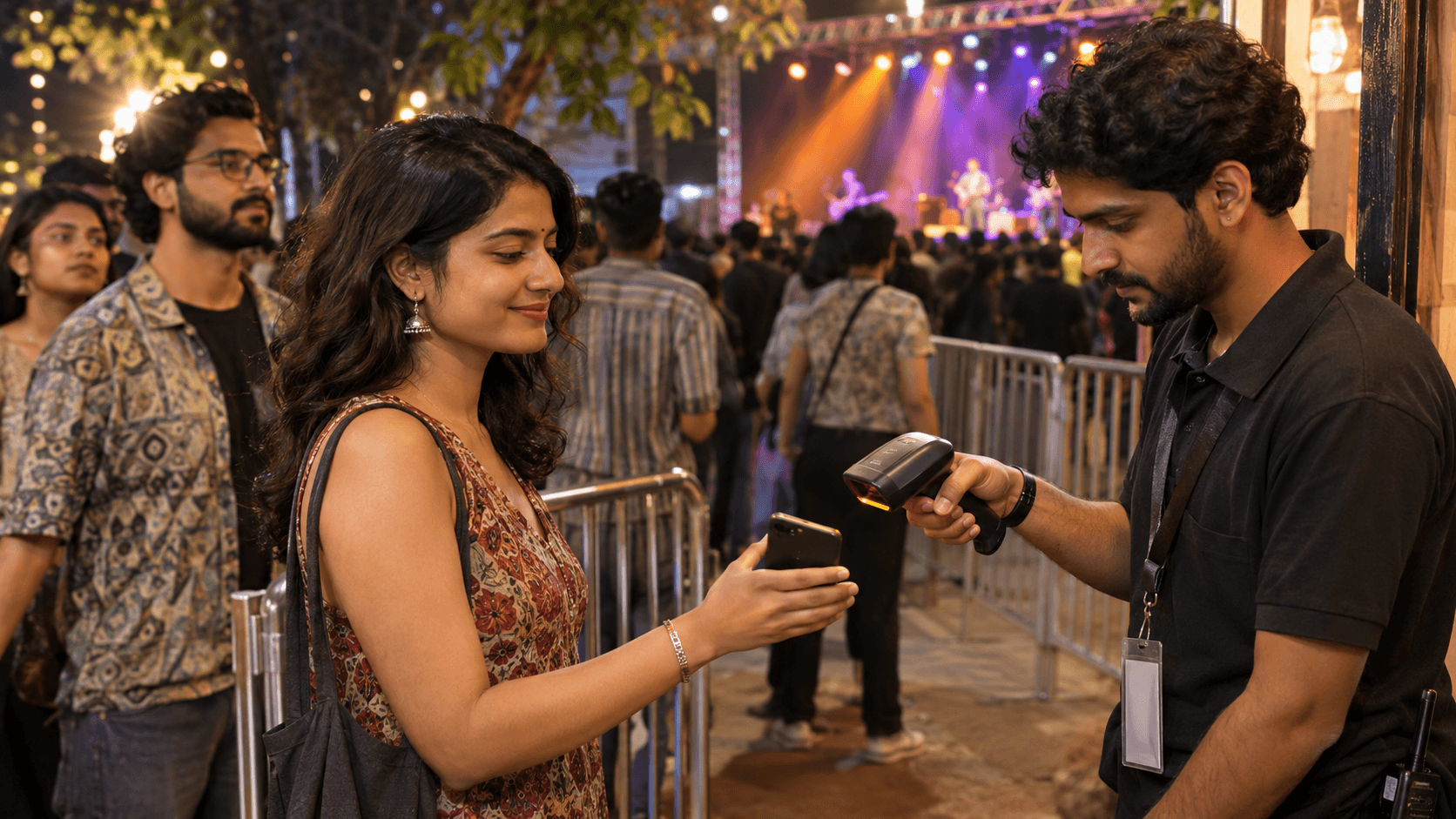


At an event gate, the question is not whether a phone can display a QR code. It is whether staff can tell, in a second or two, if this particular admission is valid and has already been used. A screenshot, a shared order confirmation or a lost connection makes a weak ticketing system visible immediately.
For a small organiser, the best design starts with admission rules. Decide whether each order has one ticket or several, whether tickets may be transferred, and what happens after a refund. The QR image is only a convenient way to carry a ticket identifier.
Issue one admission record per attendee
If a buyer pays for four seats, issue four unique ticket records even if one email delivers them all. Each record should point to its event, date, entry category and current state. A scanner can then mark one admission used without affecting the other three. Avoid putting a person's full name, phone number or payment details directly into an unencrypted QR payload.
Keep payment status separate from ticket status. A paid order can have a refunded ticket; a transferred ticket may still be valid but belong to another attendee. Define exactly when the pass is created and when a cancellation invalidates it. Re-send the same ticket record if an email is lost instead of issuing a fresh valid code accidentally.
Google's event ticket documentation shows that organisers can issue Wallet passes through web, apps, email and SMS and redeem with a barcode scan or supported NFC setup. Wallet is a presentation channel; your booking database still needs to decide whether the ticket may enter.
Make the gate decision unambiguous
The scanner should return a small set of results that staff can act on: admit, already scanned, wrong event or date, cancelled or refunded, and needs supervisor review. Record the scan time, gate and staff device. If somebody asks why they were rejected, staff should be able to see a useful reason without exposing another customer's data.
A static QR code can be forwarded. Online validation stops a second successful scan after the first one reaches the server, but it cannot prevent the first person holding a copied image from entering. For higher-risk events, consider identity checks or a changing code. Google's redemption guide distinguishes static and rotating barcodes; rotating codes need a compatible validation setup, so they are not a casual toggle.
Plan for two gate devices scanning the same ticket at nearly the same moment. The backend should apply an atomic first-use update so only one scan wins. Otherwise both devices may briefly show green. Test the process with multiple devices before the event, not during entry.
Decide what happens when internet fails
An offline scanner can cache the valid ticket list, but two offline devices cannot immediately know that the other device has admitted a ticket. A local cache improves continuity while increasing duplicate-entry risk. For a small venue, a supervised manual list and a short offline queue may be simpler. For a large festival, design a device-sync and conflict policy in advance.
Test a real gate rehearsal: weak signal, screen brightness, cracked phone screen, duplicate QR, refunded ticket, wrong date and a buyer who cannot open their email. Give staff a documented escalation path that does not hold up the whole queue.
When I scope an event app at adityazen, I start with the admission and failure rules before choosing a scanner library or Wallet integration. A reliable check-in flow is a controlled decision with an audit trail; the QR code is merely how the ticket arrives at the gate.


