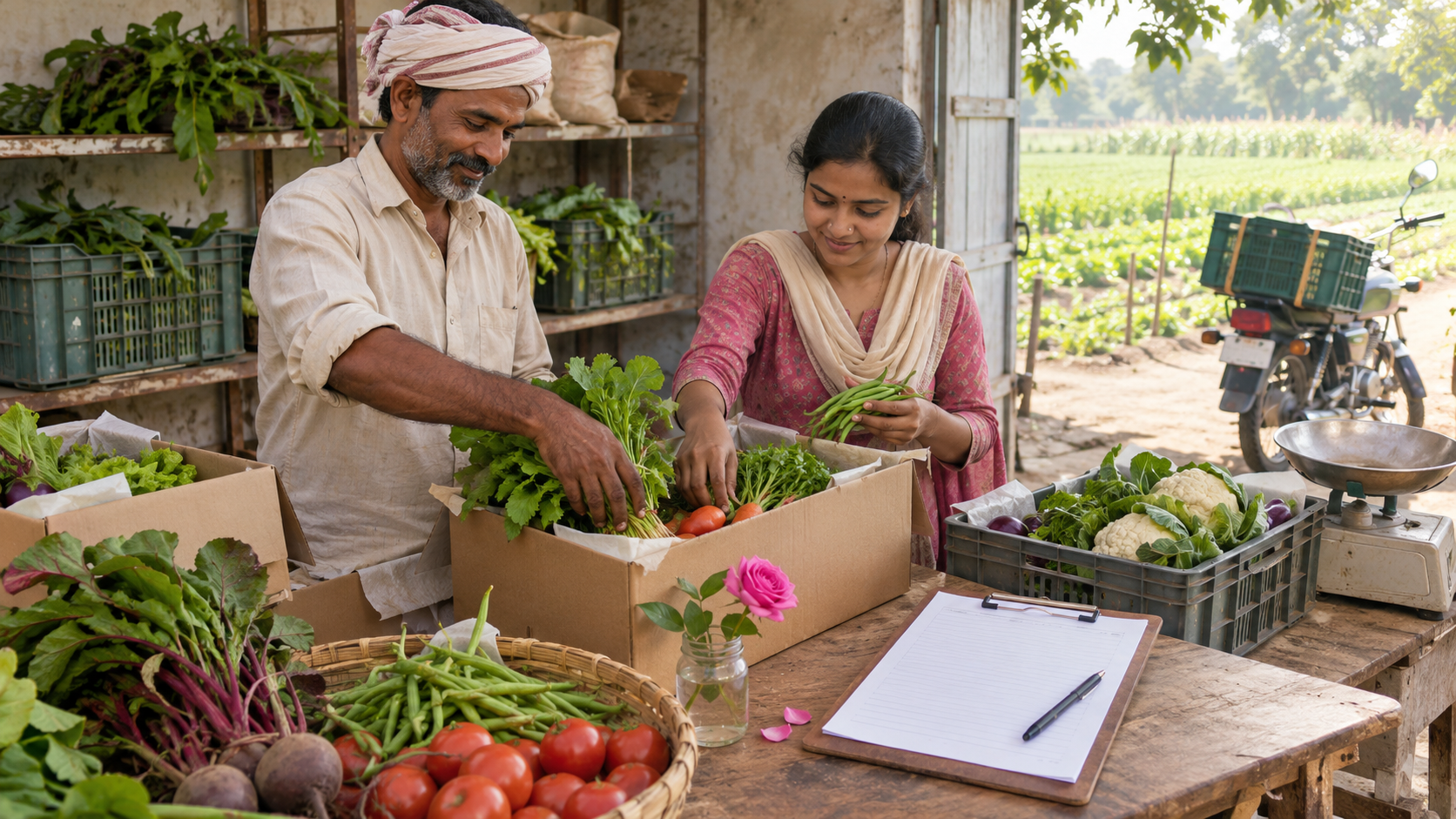


A customer subscribes to a Saturday vegetable box, then asks to skip it on Friday night. The packing team has already counted the harvest and prepared labels. If the website marks the box “paused” without telling the team, stock, payment and delivery records disagree.
A produce subscription is a weekly fulfilment decision as much as a recurring payment. WooCommerce's Order Subscriptions documentation describes customer controls such as skipping a renewal, pausing and changing a schedule. Those controls are useful only when the farm defines when a change takes effect and how it reaches the packing list.
Separate the subscription from each delivery
The subscription record says who the customer is, what plan they chose, billing schedule and usual address. A delivery record says which week's box is due, its cutoff, planned contents, packing state, route and outcome. A customer can have an active subscription but skip one delivery; cancelling a subscription is a different decision. Keeping these records separate prevents a single pause button from rewriting past and future orders unpredictably.
Consider a Wednesday 6 pm cutoff for Saturday deliveries. A customer skips on Tuesday: the upcoming box is removed before harvest allocation. Another customer asks on Friday: the system follows the stated late-change rule, perhaps offering a route-specific exception if the box is still unpacked. The website should explain that rule before taking payment, not reveal it in a support chat.
Promise a box the harvest can support
If contents vary, sell the box size and substitution policy rather than a photograph of an exact list of vegetables that may not be available every week. Let customers record relevant preferences, but avoid promising unlimited substitutions that the packing line cannot handle. Give staff a weekly planned-content view and a way to record a substitute with the reason. For fixed items, check actual available quantity before opening more slots.
Delivery area and frequency matter too. A single “deliver anywhere” option creates expensive exceptions. Ask for the pincode, verify which route serves it, and show the next available delivery date. Keep route cutoff and delivery fee visible. If the farm adds a new area, test the capacity of pickup, packing and driver time together, not just the checkout address field.
Turn orders into a packing and route list
At cutoff, generate counts by box type and item, then freeze a version of the packing list. Late changes go through an exception queue so the coordinator can decide whether the box is still changeable. The delivery list should show customer, address, contact route, box size and any agreed substitution, with access limited to the driver or dispatcher who needs it. After delivery, record completed, failed or rescheduled, then notify the customer accordingly.
I can connect subscriptions to these weekly operations at adityazen when a standard checkout sends recurring payments but leaves the farm packing from screenshots and spreadsheets. The first build should handle one delivery zone and a clear cutoff reliably.
What to check in the first month
Test a normal renewal, a skip before cutoff, a skip after cutoff, an address change, a missing harvest item and a failed delivery. Compare charged deliveries with packed boxes and completed drops. Track late-change requests and packing corrections. A good system reduces manual reconciliation without taking away the farm's ability to handle a real exception thoughtfully. The tiffin subscription guide covers meal-route planning; produce boxes add a harvest and substitution decision that needs its own design.