



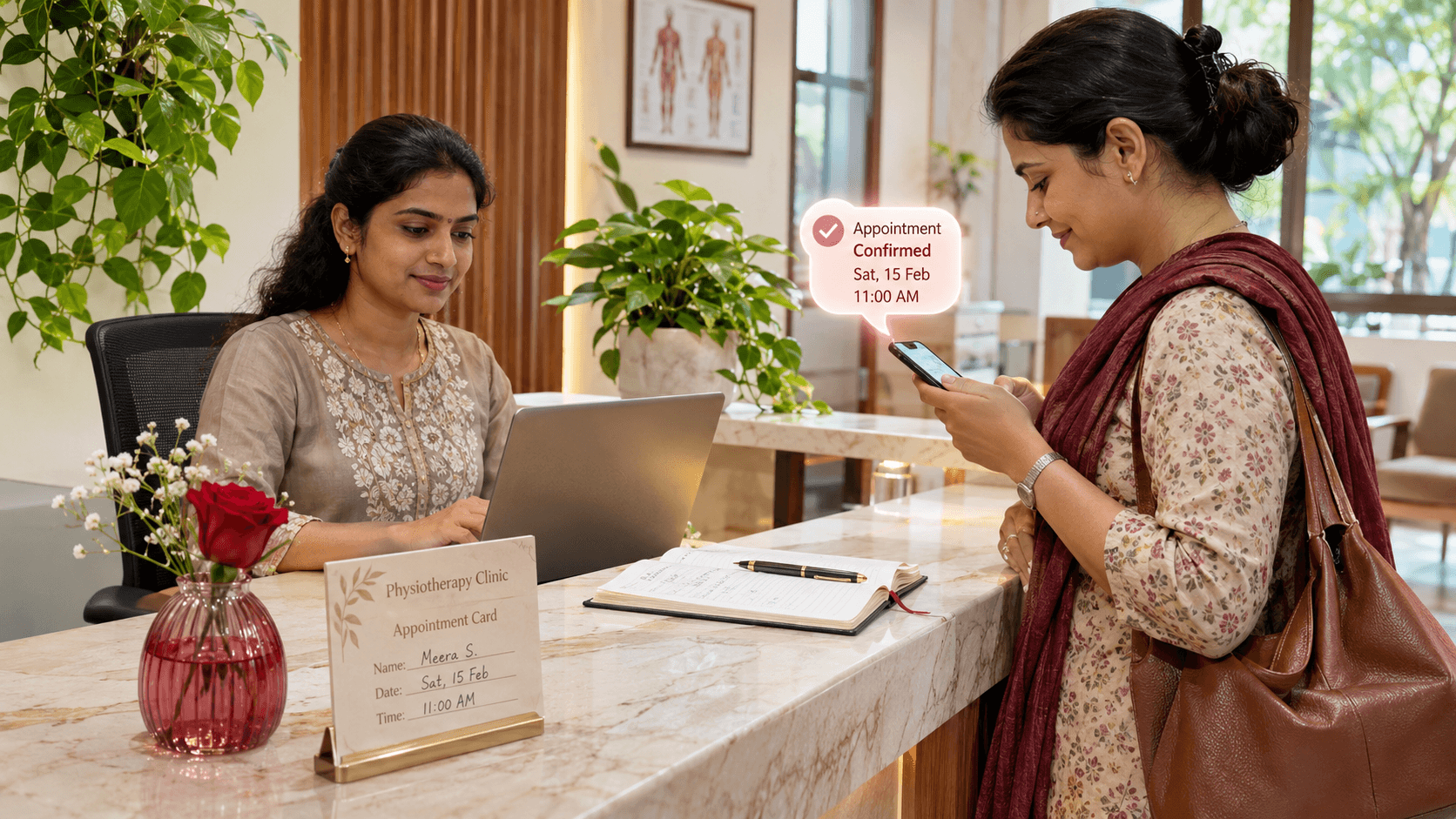


When someone searches for a nearby clinic, salon, tutor, repair service, or consultant, they are usually trying to solve an immediate problem. They want to know whether you offer the service, whether you are available, how much it costs, and how to book.
Too many local-business websites still end that journey with a phone number and a vague “Contact us” form. The customer then has to call, wait for a reply, or explain the same request again on WhatsApp. A better website turns that moment of intent into a direct booking request or confirmed appointment while giving the business a clean operational workflow behind the scenes.
This does not mean every business needs a costly custom app. It means choosing the smallest booking system that correctly handles your services, availability, payments, reminders, and staff handoff.
Start with the customer journey, not the booking tool
Before comparing plugins or booking platforms, map one real booking journey. For example, a physiotherapy clinic may need a patient to choose a treatment type, select a therapist, share a concern, and pay a deposit. A salon may need service duration, stylist availability, and a buffer between appointments. A coaching institute may need a counselling slot, course interest, and follow-up ownership.
The right questions are:
- Which service can a customer book without talking to someone first?
- Does one service need a specific staff member, branch, room, or piece of equipment?
- What must happen when a slot is selected: confirmation, approval, deposit, or payment?
- How should customers cancel or reschedule?
- Who should see and act on the booking after it is made?
If these rules are unclear, software only makes confusion happen faster.
The three practical ways to take bookings online
1. A booking request form with a WhatsApp handoff
This works for new or low-volume businesses. The website collects the service, preferred date, phone number, and a short note. It then opens WhatsApp with the details already prepared, or creates a lead for the team.
Use this when availability changes frequently and a person still needs to approve every booking. The form should be short, work comfortably on a phone, and show what response time the customer can expect.
2. A live booking page or embedded scheduling tool
This is the next step when customers should see real available slots and book without waiting for staff. A booking page can sit on your own domain and can be linked from your Google Business Profile, Instagram bio, website header, and WhatsApp quick replies.
For many service businesses, this is enough when the rules are straightforward: fixed service durations, one location, a small team, and simple reminder flows. Google documents that local-business structured data can help describe hours and departments; direct reservation or order actions have separate eligibility and integration requirements, so do not promise a Search booking button without checking the relevant program. Google’s LocalBusiness documentation is a good starting point.
3. A custom booking workflow
Choose a custom build when a generic calendar cannot represent the business rules. Examples include:
- A clinic that assigns appointments by treatment, therapist, gender preference, and room availability.
- A home-service company that must allocate technicians by pin code, travel time, and job duration.
- A coaching centre that qualifies a lead before showing counselling slots.
- A multi-branch salon that needs staff commissions, deposits, memberships, and a shared customer history.
A custom system can still use familiar tools for payments, calendar sync, messaging, and email. The value is not reinventing every component. It is making the customer and staff workflow fit the business.
What a reliable booking flow looks like
A good booking flow has two sides: the customer experience and the operations system.
| Customer sees | Business system handles |
|---|---|
| Clear service, duration, price and location | Service rules, staff calendars and branch availability |
| Mobile-friendly time selection | Slot locking so two people cannot take the same time |
| Deposit or payment instructions where required | Payment status and webhook confirmation |
| Booking confirmation and reschedule route | Staff notification, lead owner and calendar entry |
| Reminder before the appointment | Reminder schedule, cancellation window and no-show status |
The important technical detail is slot locking. If a system only displays a free time but does not reserve it while payment or confirmation happens, two customers can book the same slot. A robust system creates a short-lived hold, confirms the appointment only after the required step succeeds, and releases the hold if it fails or expires.
Make Google discovery useful on your own website
Google Business Profile, Maps, Search, Instagram, and word-of-mouth referrals can all send visitors to the same booking page. That page should answer the questions a person asks before they call:
- What service is available at this branch?
- Who provides it?
- How long does it take?
- What does it cost or what deposit is required?
- Is the next suitable slot available?
- What happens after booking?
Add accurate business details to the website and keep the name, address, phone number, business hours, and service areas consistent with the business profile. Structured data is useful when it describes real information visible on the page; it is not a shortcut for ranking.
For a local business with multiple departments or locations, create genuinely useful pages for each location and service. Do not create dozens of thin city pages that say the same thing with a name swapped in. A customer should be able to see the relevant team, service rules, directions, and booking action on the page they land on.
Payments and deposits need business rules
Not every appointment needs an online payment. But some businesses lose time and money when customers reserve high-demand slots and do not arrive.
Use deposits where there is a clear reason: a long consultation, a premium salon service, a home visit, a workshop seat, or a limited-capacity class. The booking flow should say whether the amount is refundable, how cancellation works, and whether the amount is adjusted against the final bill.
Technically, do not treat a customer returning from a payment screen as proof of payment. Confirm the payment through the payment provider’s server-side webhook before marking a booking as paid. This prevents manual mistakes and makes it possible to recover safely when a payment is delayed or interrupted.
Keep WhatsApp useful without making it the database
WhatsApp is often the best channel for confirmations, reminders, and quick questions in India. It should support the booking system, not replace it.
A sensible flow is:
- The website creates the booking or request.
- The system stores the customer, service, time, status, and owner in one place.
- The customer receives a confirmation with a clear reschedule route.
- Staff can see the booking in a shared calendar or dashboard.
- A reminder goes only when it is relevant and permitted.
This prevents a familiar problem: one person scrolling a shared phone while nobody knows whether a lead was answered, an appointment was confirmed, or a customer cancelled.
When a simple tool is enough and when it is not
Start with a standard tool when the workflow is simple and the team will actually use it. A custom build is justified when manual work keeps returning because the tool cannot handle your real rules.
| Use a standard booking tool when | Consider a custom workflow when |
|---|---|
| One branch and predictable service durations | Multiple branches, staff roles, rooms, territories, or service dependencies |
| Simple reminders and calendar sync are enough | You need custom lead qualification, approvals, deposits, or CRM pipelines |
| The team can work from the tool’s dashboard | Staff need a tailored dashboard, reports, or operational views |
| Customer history is not central to delivery | Customer records, repeat plans, packages, and follow-up ownership matter |
The goal is not to own more software. It is to reduce missed bookings, duplicate work, and unclear ownership.
A practical launch checklist
Before making a booking flow live, test it as a customer would:
- Book from a small Android phone on a normal mobile network.
- Test an available slot, an already-held slot, cancellation, and rescheduling.
- Check that staff receive the booking only once.
- Test payment success, failure, and delayed webhook delivery.
- Check confirmation and reminder copy for accuracy.
- Confirm that the form has a privacy link and only asks for information you actually need.
- Track booking starts, completed bookings, payment attempts, and successful payments separately.
Do this with a real test appointment before sending traffic from Google Ads, Instagram, or a Google Business Profile.
Build a booking system around how your business actually works
An online booking system should feel simple to a customer and dependable to your team. The best first step is not choosing a trendy plugin. It is documenting the journey from discovery to completed service, then building only the parts that remove friction.
If your business needs a booking website, payment flow, staff dashboard, WhatsApp reminders, or a custom system that connects them, Aditya Zen can help you plan and build the workflow around your actual operations.