



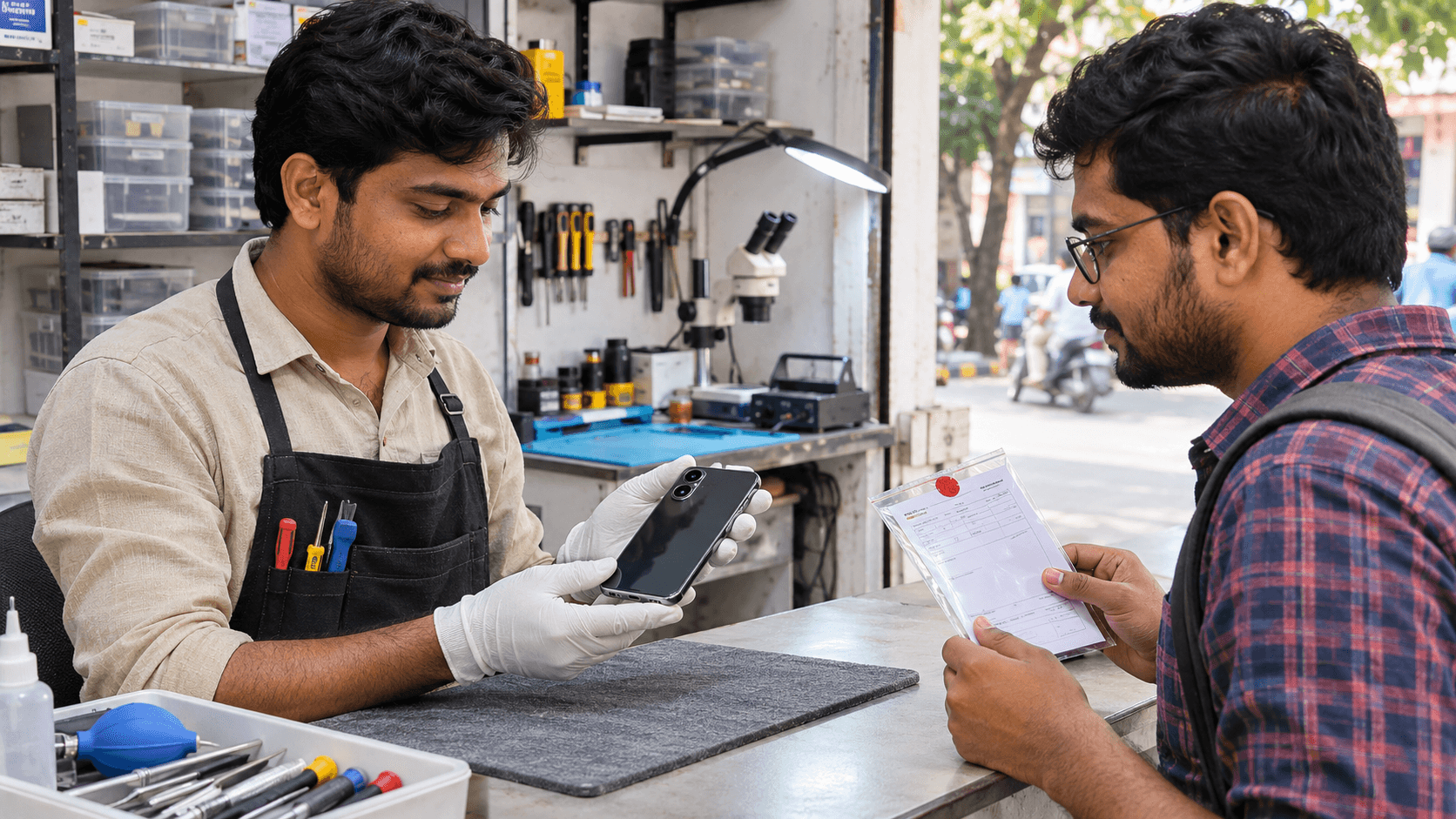


A customer brings in a phone that sometimes stops charging. The counter employee writes “charging issue” on a slip, takes the handset and asks for its unlock code. Two days later the technician discovers liquid damage and the quoted price changes. Without a proper record, the customer and shop may disagree about the original condition, approved repair and access to private data.
A repair system should make the physical job and the customer's consent clear. It should not require more access to the device than the repair actually needs.
Make intake specific enough to prevent disputes
Assign a job ID and record device make, model, serial or another suitable identifier, reported symptom, accessories received and visible condition. Photograph existing cracks or dents with the customer's permission. Record when the device was accepted and the promised diagnosis window, not a guaranteed repair date before anyone has inspected it.
The intake record should separate what the customer reported from what staff observed. “Customer reports intermittent charging” and “port has visible debris” are two different facts. If a battery or screen later needs replacement, the original record remains available to explain the change.
Avoid collecting the customer's account credentials. Google's Pixel Repair Mode guidance and Samsung's Maintenance Mode guidance describe device-specific ways to limit access during service. Availability depends on model and software. If a protected mode is unavailable, agree on a supervised functional test or a narrowly scoped alternative; never promise that a repair mode eliminates every data risk.
Ask for approval when diagnosis changes the job
After inspection, write the finding, parts required, estimated total, warranty terms and expected completion time. Let the customer accept or decline chargeable work. Store the approval with the version of the quote they saw. If the technician finds another fault, issue a new quote rather than editing the old amount in place.
Track each stage as an event: received, diagnosing, awaiting approval, awaiting part, repairing, testing, ready and collected. Do not label an item “ready” because a part arrived; record the actual test. If the repair fails testing, move it back to investigation and tell the customer what changed.
Parts records should link replacement components to the job, especially when a return or warranty claim comes later. At handover, record the work performed, test result, amount paid, date and person receiving the phone. A customer should be able to check the summary without opening the technician's internal notes.
Build privacy into the staff workflow
Restrict staff access to the jobs they need. A public status link should use a hard-to-guess token and reveal only limited information; a sequential job number alone is not authentication. The OWASP authorization guidance calls for access checks on each request. Set a retention policy for device photos and contact details, and keep an audit trail for quote changes and handovers.
Test with a real scenario: a customer refuses to unlock the phone, the diagnosis changes, a part is delayed and another staff member completes handover. Can the team finish the job without relying on the owner's memory or storing a password in a note field?
A paper job card may suffice for one technician. A shared mobile-friendly system becomes valuable when counter staff, technicians and customers need the same status and approval history. The same event-based thinking appears in my electric-scooter service workflow. If your shop has repeat disputes about condition, price or collection, send me an anonymised job-card example and I can help map the smallest useful workflow.
Clear approvals and careful data handling build trust alongside a successful repair.


