



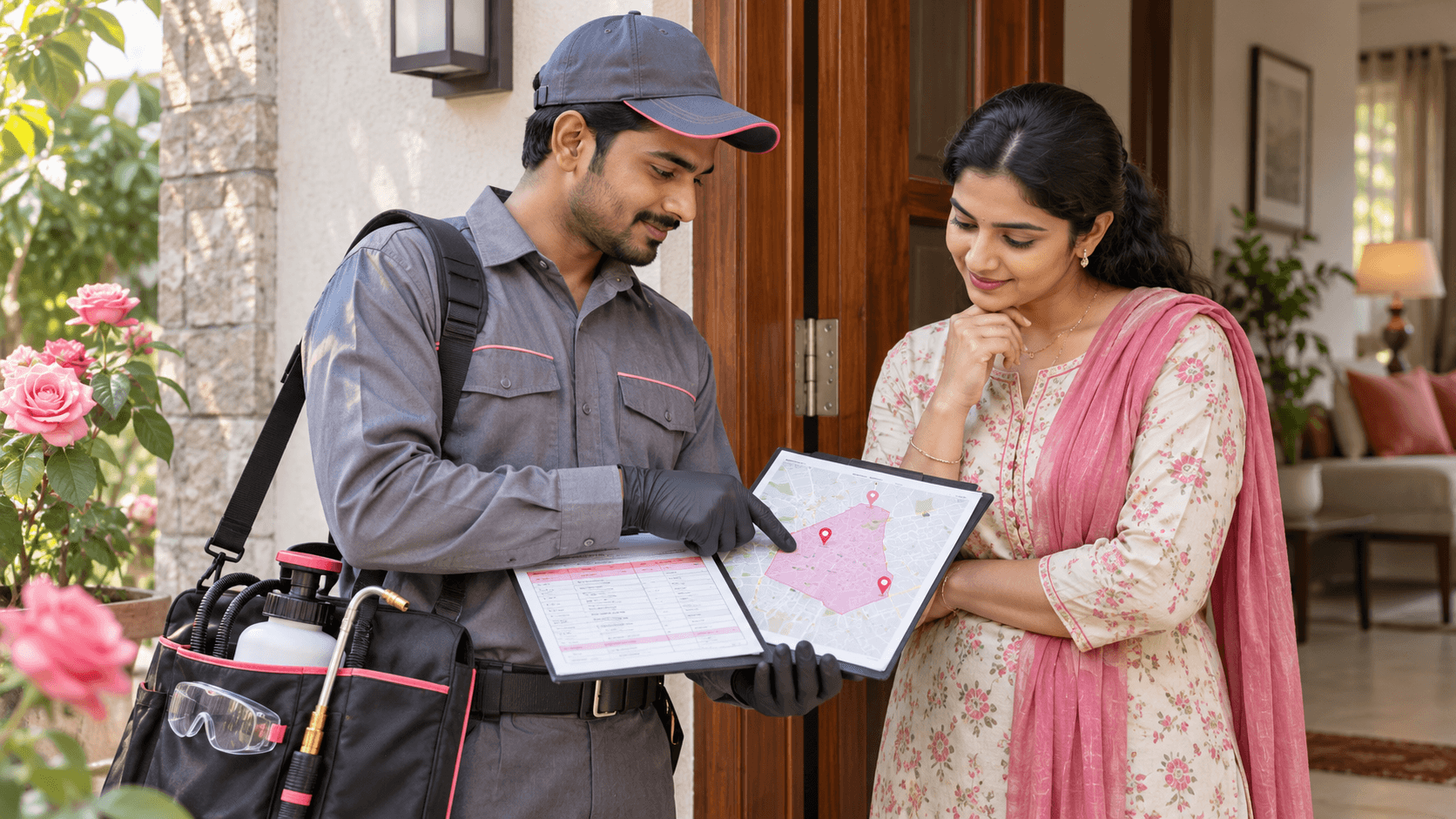


A homeowner searches for help with termites, lands on a pest-control website and fills out a form. The team calls back only to learn the property lies outside its travel area. Meanwhile, another customer inside the service area leaves because the site never explains whether an inspection is required before pricing.
The website can solve both problems with honest coverage information and a request flow based on the way the service is actually delivered.
Show coverage people can understand
List the cities, neighbourhoods or postcodes the team can serve. If travel charges or response times differ, explain that before the form. A map is helpful only if its boundary matches real technician availability; a vague circle around a city may create expectations the business cannot meet.
Google's Business Profile service-area guidance tells businesses that travel to customers to specify their actual service areas and explains how service-area and hybrid profiles differ. That profile setting helps people discover the business on Google. It does not check whether a technician is free on a given day. The website and internal schedule still need their own coverage rules.
Avoid publishing a separate near-identical page for every postcode. A useful area page should include genuine service details, travel constraints or local case information. If the only difference is the place name, one clear coverage page is better for a reader.
Ask enough to plan the first response
A first request usually needs the property location, type of property, suspected problem, contact details and whether the issue is urgent. Let the customer describe what they have seen in plain language; they may not identify the pest correctly. A photo can help, but make it optional and protect uploaded files. Do not ask for detailed health information or promise that a photo is a diagnosis.
Different jobs may need different next steps. A routine follow-up treatment can be scheduled from an existing service record. A new termite concern may need an inspection before anyone can give a reliable quote. Label these actions clearly as request an inspection or ask for a quote, and send a confirmation that does not pretend a technician has already been booked.
Route and follow up on the lead
The form should route a request by location, problem type and urgency to the staff member who can respond. Save the original request and each follow-up in one record. A missed-call callback, WhatsApp message and form submission from the same customer should not turn into three disconnected leads. If there is no technician coverage, say so quickly rather than leaving the customer waiting.
Before adding complex automation, test an ordinary case: a flat within coverage asks for a general inspection. Then test an edge case: a commercial property outside coverage asks for same-day service. Can the person receiving each request see the details, give an accurate answer and close the lead? Track successful submissions separately from bookings or completed jobs.
If photos are accepted, follow OWASP's file upload guidance on permitted types, size limits, validation and controlled access. An image upload is a service feature with security and storage responsibilities, not a harmless extra field.
When I build local-service enquiry flows at adityazen, I map where the team really travels and how an inspection becomes a scheduled job. That map decides what the website should promise. A good site gives a customer a clear next step and gives the business a lead it can actually serve.


