



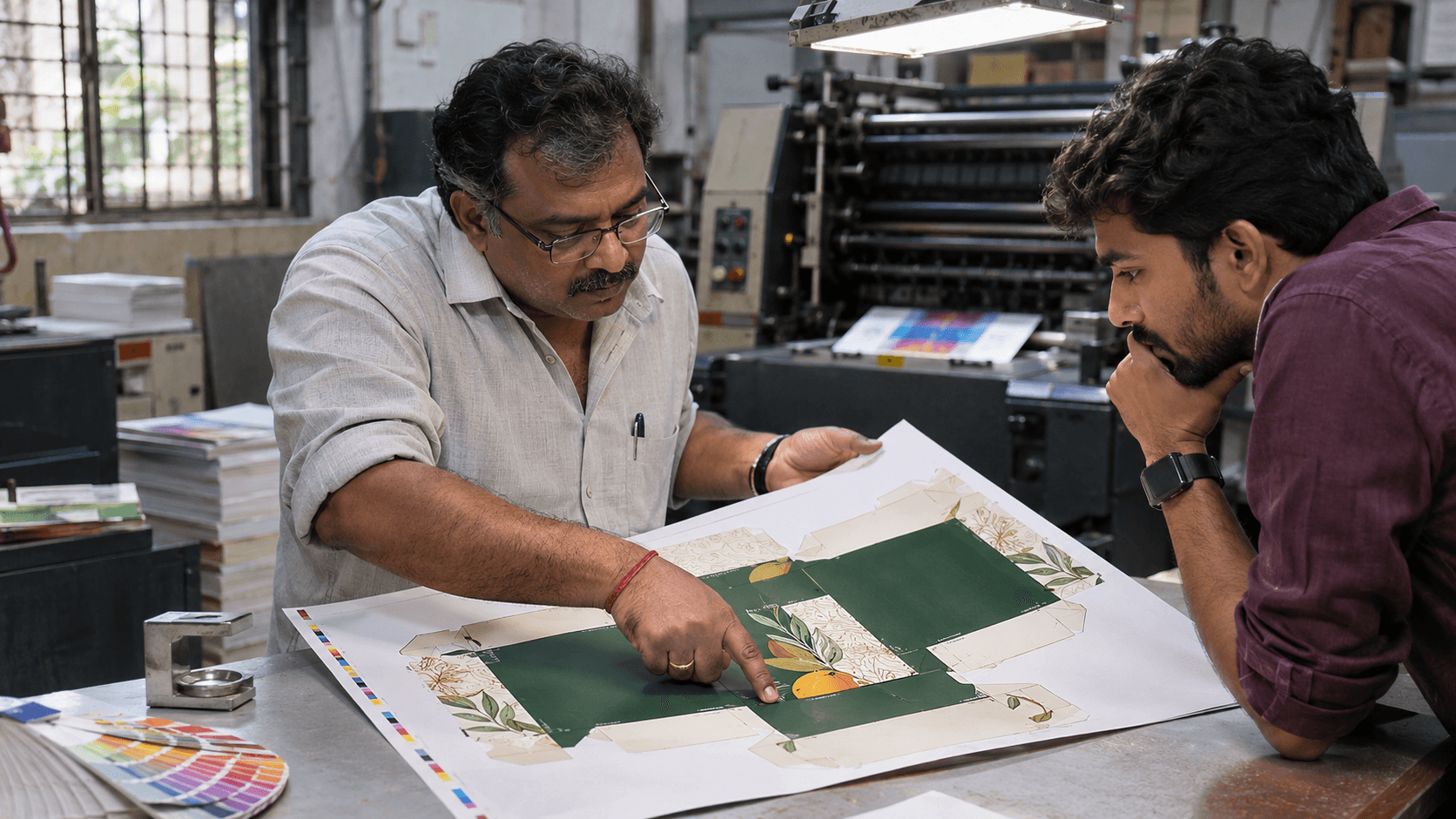


A customer sends a packaging design on Monday, changes the ingredient panel on Tuesday and replies “approved” to an email on Wednesday. The production team opens the Monday PDF because it is the file in the order folder. The resulting boxes are beautifully printed and unusable.
This is a version-control problem with a physical cost. A print-shop website or customer portal should not merely accept uploads. It should establish which file was reviewed, what the customer approved and which exact version the press operator receives. Printing for Less explains its proofing process: the proof is a preview of the press-ready file, and its orders do not go to press before approval. Your own process can be simpler, but it needs that same link between proof and production.
Define the job before reviewing the artwork
The order brief should capture the product, dimensions, quantity, material, finishing, delivery date and the person authorised to approve. Ask whether the customer's uploaded file is final artwork, a reference or a request for your designer to prepare a print-ready version. Those are different starting points. A product label may also have text supplied by the customer that the printer must not silently rewrite.
Give the job a stable reference such as JOB-284. Every submitted file and generated proof belongs to that job, but each revision gets its own version. Names such as final.pdf, final2.pdf and final_revised.pdf are easy to mix up. Use a displayed revision number and timestamp inside the order record, while keeping the original upload unchanged for comparison.
Make approval refer to one proof, not the job in general
When the team prepares a proof, show the customer a downloadable or zoomable preview with its version, job specification and a clear choice: request changes or approve this version. Comments should attach to a particular page or proof version. If the client asks to move a logo after viewing version three, version four must be issued and approved separately. The previous approval cannot travel automatically to the changed file.
The system should record the approving person's name, contact, time and version. It should also preserve the file that was actually approved. For a small shop using email, an explicit message such as “I approve proof version 4 for JOB-284” plus a stored copy of that proof is far better than a standalone “looks good.” A portal can make this easier, but an approval button only helps if the press operator sees the matching locked file.
Colour, trim and material deserve practical explanation. A digital proof can help check text, layout and placement, but it is not necessarily an exact physical colour match. If colour matching is crucial, agree on the physical proof or print standard before press. Printing for Less's proof glossary distinguishes a preview used for approval from full production.
Give production an unambiguous handoff
Once approved, move the job to a production-ready state and prevent the press queue from pointing to another revision. Show the approved artwork filename, version, dimensions, print settings and any special instructions together. If a late change is accepted, reopen the job, issue a new proof and require new sign-off. Record who changed the state; avoid overwriting the approval history.
Test the ugly cases: customer approves on a phone but later emails a different file; two staff upload versions at the same time; a designer corrects a typo after sign-off; a repeat order asks for the “same as last time” while its packaging text has changed. The answer should be visible from one job record, not buried in someone's inbox.
If your shop already handles a few jobs a week, a consistent folder, naming rule and sign-off email may be sufficient. When several designers, salespeople and press operators share the queue, I can help turn that handoff into a lightweight approval portal at adityazen. The useful first version is a job ledger with immutable revisions and a clear press-ready file, not a feature-heavy design suite.
The best workflow makes a costly mistake easy to prevent: nobody starts a print run until the approved proof and the production file are demonstrably the same version.


