



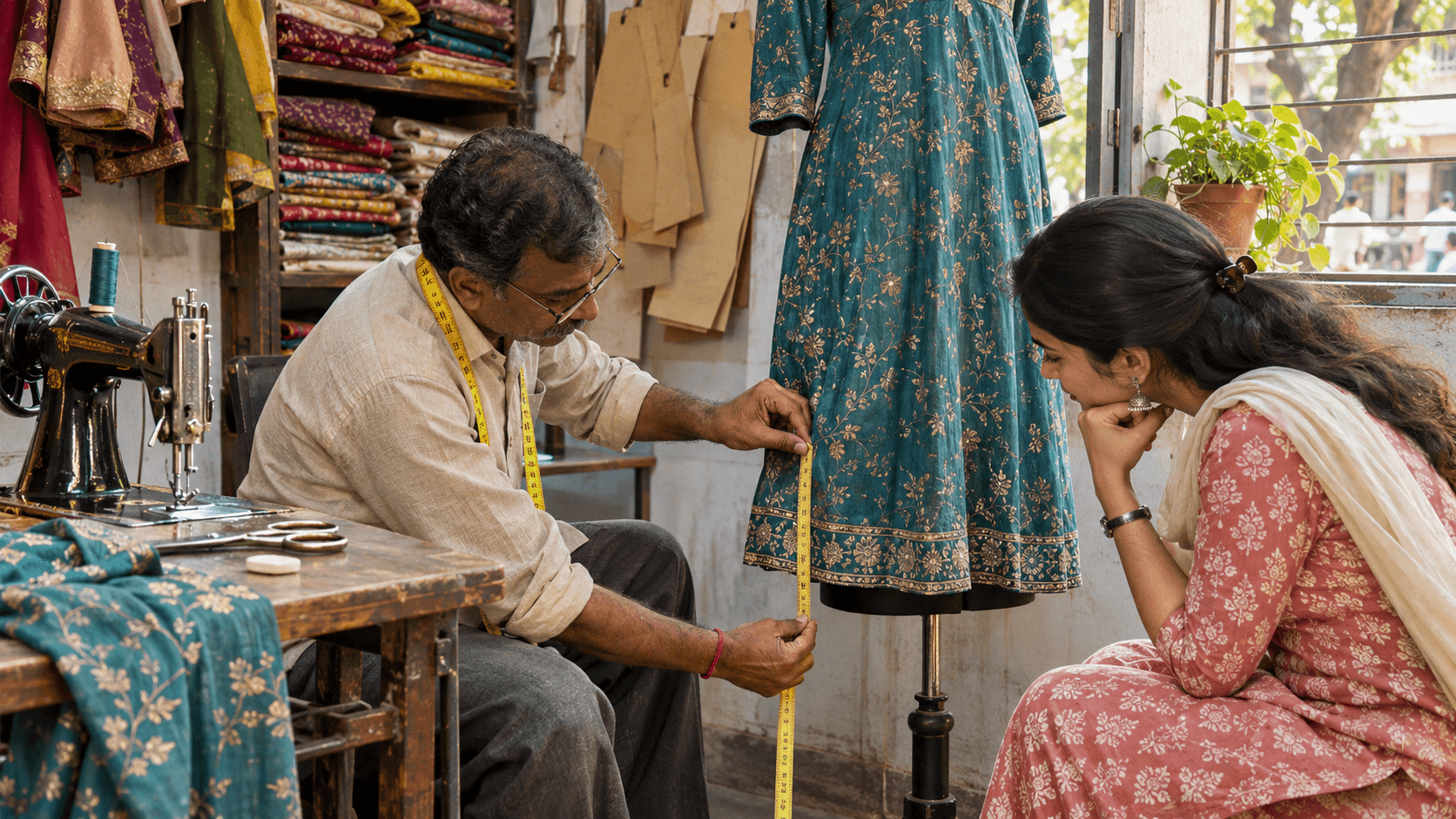


A customer orders a kurta for an event, shares a reference photo and says, “Use my previous measurements.” After the first fitting, she requests a different sleeve shape. The tailor may remember the conversation; a second cutter or counter assistant probably will not. A useful tailoring system keeps the garment, measurements, design decisions and fitting changes together.
This is a different problem from a generic appointment calendar. The fitting is only one stage of a production job. A good job card should still make sense if the customer never logs into an app.
Begin with a garment-specific job card
Give each garment its own ID even when a customer brings several pieces. Record the garment type, fabric received, quantity, lining or accessories, promised date, price and responsible tailor. Attach the chosen design reference with a short written specification: neckline, sleeve, length, closure and any agreed details. A picture alone may not show which details the customer actually wants.
Measurements should carry a date, unit and garment context. A measurement from last year's blouse is a useful reference, not automatic approval for a new kurta. Mark which values were measured today, copied from an earlier order or provided remotely. Confirm a copied set with the customer before cutting expensive fabric.
Record fabric condition and quantity at receipt. If the customer supplies material, photograph unusual flaws with permission and record any shortage before work begins. The receipt should say what was accepted and the expected fitting or delivery date.
Treat the fitting as a decision point
Schedule the fitting only after the garment reaches a known state such as cut, stitched for trial or ready for final check. At the appointment, record what fits, what needs changing and who approved each change. For example: “reduce sleeve width by 1 cm; hem unchanged; second fitting Thursday.” That is more useful than “alter as discussed”.
Some requests change the original scope. Make the difference visible: a correction to match the agreed fit, an optional design change and a new garment are different kinds of work. Show any extra charge and revised delivery date before the team makes the change. Keep the previous specification so staff can understand what changed rather than overwriting it.
Show honest progress without exposing private measurements
A customer page can show appointment time, current stage, balance due and pickup instructions. It does not need to show every body measurement. Restrict access to measurement and fitting records to the staff who need them. The OWASP authorization guidance recommends checking access for each request; a predictable order number should never be enough to open another customer's details.
Notifications should correspond to real events: fitting slot confirmed, alteration approved, garment ready. Avoid automated “ready” messages generated merely because a deadline passed. If a garment is delayed, give staff a way to record a revised date and explanation.
Test before building a portal
Take five recent orders and ask whether a new staff member could identify the right fabric, measurements, design version and next action without calling the owner. If the answer is yes, a disciplined shared job card may be enough. If the work spans cutters, fitting staff and multiple counters, a phone-friendly system with status history can reduce lost context.
My custom furniture quotation and delivery workflow uses a similar principle: capture approval for the actual specification before production. If your tailoring studio loses time to repeated fittings or unclear change requests, share one anonymised job card and I can suggest a practical digital workflow.
The customer should leave each fitting knowing what changes next, when it will be ready and whether the price or promise has changed.


