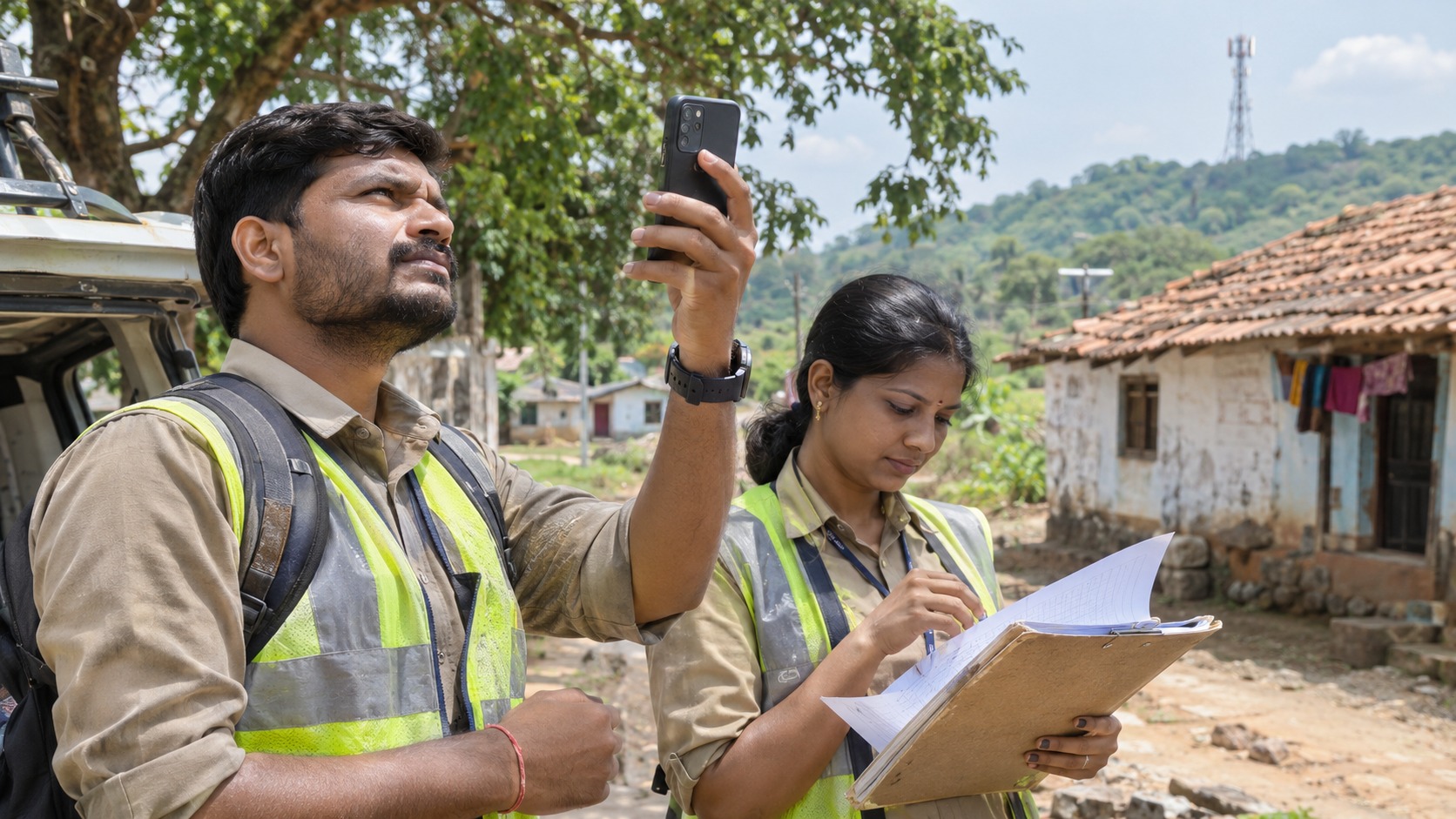


Two delivery workers lose connectivity in a basement. One marks an order delivered; the other marks it returned. Both phones show a green tick. When service returns, the server cannot accept both final states. The hard part of an offline app is not saving data locally. It is telling the business which change wins and why.
Flutter's offline-first architecture guidance covers local storage, synchronisation and background work. It also notes that network and battery conditions affect when a sync should run. Those mechanics help, but each business must define the meaning of a conflicting action.
Separate local success from server acceptance
After an offline edit, label the record as pending sync. Store an operation ID, device/user identity, local time and the last server version seen by that device. A green local save should not imply the central system has accepted the change. Show pending, synced and needs review states in plain language. A field worker must know whether an order is safe to close.
When reconnecting, send queued operations in a defined order and make retries idempotent. Otherwise an interrupted request can create duplicate visits, receipts or invoices. The server should compare the submitted base version with the current record before applying an update. If the versions differ, choose a documented policy rather than silently overwriting newer data.
Pick conflict rules by field
Some fields can merge: two independent photos attached to the same job can both be kept. A note can be appended with authorship and timestamps. A final delivery status, quantity or refund amount often cannot be merged automatically. “Latest timestamp wins” can be wrong if device clocks differ or a worker entered a backdated correction. For high-impact fields, preserve both attempts and ask a supervisor to decide.
For example, a warehouse worker scans five units out while a sales rep sells the last five from an offline catalogue. The app must not manufacture stock from whichever device syncs last. Use a server-controlled reservation or a reconciliation queue for stock-impacting actions. The solution depends on whether the business permits offline commitments at all.
Test two devices, not one simulator
Take two devices offline with the same initial record. Make competing changes, reconnect A then B, and inspect the result. Repeat in the reverse order and with one failed request retry. Test deleted records, clock differences, a user whose access was removed while offline, and a device that has not synced for a week. A useful test asserts what each worker sees after the server resolves the conflict.
If a Flutter field app currently overwrites data during sync, describe the conflicting workflow at adityazen. I can help define a conflict policy and implement the queue around the business action, so offline work remains trustworthy when the network returns.