

An app adds Hindi translations and calls itself multilingual. The home screen looks fine, but a customer cannot search an address in their preferred script, a long button label is cut off, and the payment error appears in English. The real unit of localization is the completed user task.
Android's localization guidance and Flutter's internationalization documentation provide the platform mechanics. Neither can tell a team whether its local phrasing makes sense to a driver, shop owner or patient; that requires people who use the language.
Choose the first language from users and workflows
Look at support conversations, customer geography and the tasks people abandon. Select one additional language for a pilot. Translate onboarding, form labels, validation messages, notifications, help and critical confirmation screens together. A partial language switch can make an important transaction ambiguous.
Allow a user to choose a language in the app where that helps, rather than relying only on the device locale. Preserve their choice across sessions and accounts. Keep names, addresses and user-generated text in the script entered by the user; do not automatically transliterate them without consent.
Test typography and data entry
Check longer labels on small screens and at large accessibility font sizes. Confirm that text shaping and line breaks work with the fonts you ship. Test numerals, currency, date and time formats where relevant, and make sure a support agent understands the same values on their dashboard.
Try searching for a business or address with local script and transliteration. If your search index only matches English spellings, the localized interface still fails at discovery. Validation should accept legitimate characters in personal names and locations.
Run task-based reviews with native speakers
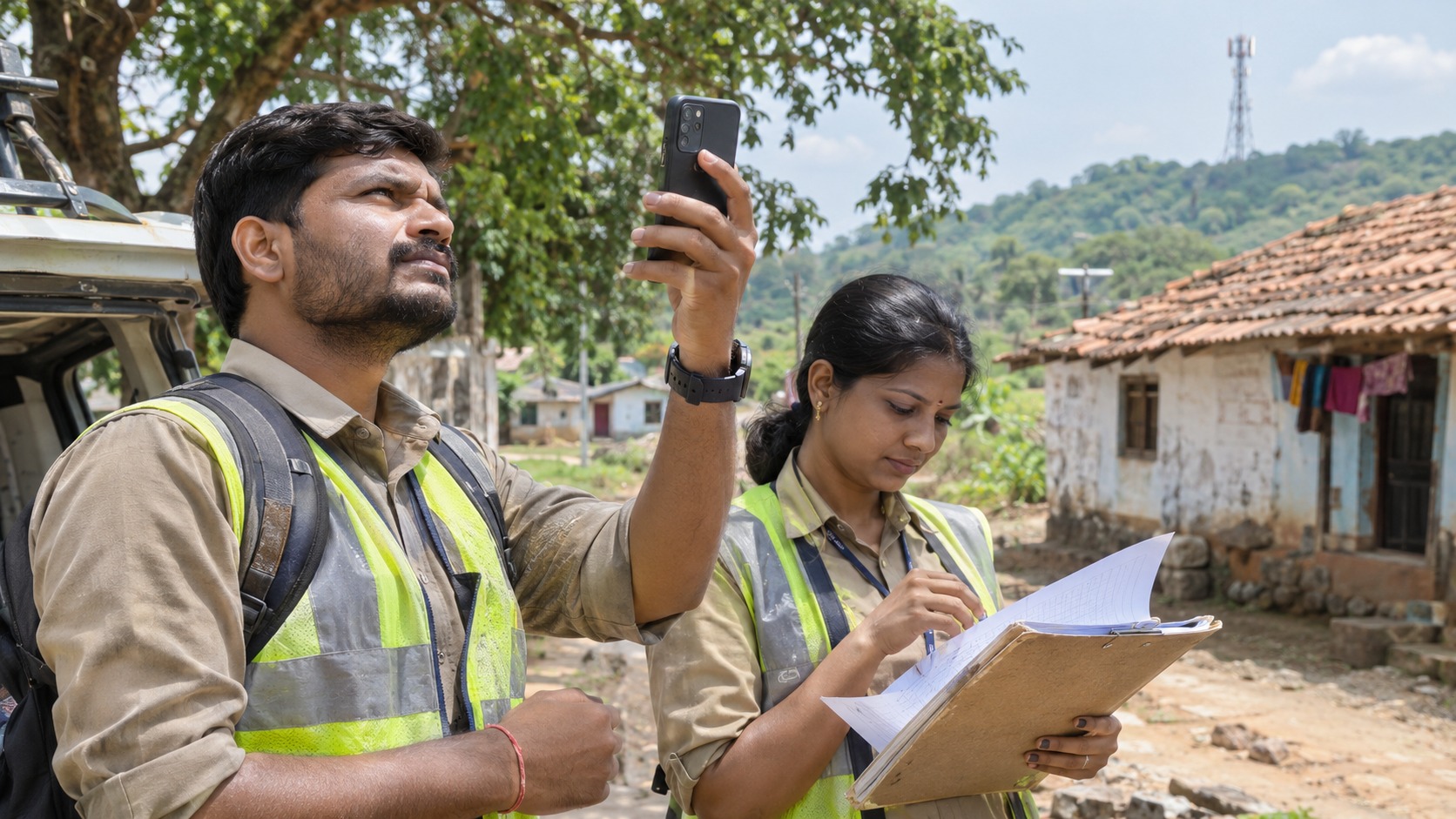
Ask reviewers to sign up, submit a request, correct a field, understand an error and contact support on an actual device. Record confusion, not just spelling mistakes. Test offline and slow-network states too: those screens often fall back to untranslated strings.
If you are adapting an Android or Flutter product for a new Indian market, show me the most important task at adityazen. I can help plan the localization and QA work around the user journey rather than a string list.