

Your app may work well on a phone and still fail a simple task when the user unfolds a device. A booking form can become impossibly wide, a payment sheet can cover its confirmation button, or a partly completed request can reset when the screen changes shape. Those problems now belong on the release plan, not on an optional design wish list.
On 18 November 2026, Google Play announced new adaptive app quality standards. For an Indian startup or business with an Android app, the useful question is not “Should we design an elaborate foldable interface?” It is “Can people complete the important journeys on the screens Google will expect us to support, and do we have honest screenshots of that experience?”
The dates app owners should put on the calendar
Google says foldable screenshots can be uploaded to Play Console now. From April 2027, new apps and app updates must include dedicated foldable screenshots at submission. Baseline Tier 3 adaptive quality support takes effect for standard apps at the same time. Existing apps that are not updated remain downloadable, according to the announcement; that does not remove the work from a planned future update.
A separate August 2027 milestone requires new and updated apps to target API level 37 (Android 17). Keep those dates separate. Updating a screenshot set will not fix an inflexible layout, and a layout improvement does not replace the later target API work. Check Google's current announcement and Play Console guidance again before submitting, because the rollout is still in the future.
Tier 3 is a baseline. Google's adaptive quality guide describes an app that fills the screen or window without letterboxing or compatibility mode and lets users complete critical tasks, even if the layout is not ideal. Tier 2 and Tier 1 describe stronger large-screen and foldable experiences and can qualify for enhanced promotion or badges. Do not budget for Tier 1 simply because your app needs to meet the Tier 3 baseline.
Audit the journeys that would hurt if they broke
Begin with three to five tasks that matter to the business. A clinic app might test finding a doctor, selecting a slot and confirming an appointment. An ecommerce app should include product selection, address entry, payment and order confirmation. An internal field app should test signing in, editing an offline form and resuming after a fold or rotation.
Run those flows on a narrow phone, a 1:1 unfolded foldable, a 4:3 unfolded foldable, the outer folded screen, and a resized or rotated window. Google specifically recommends testing folding, unfolding and rotation on physical devices or emulators. Write down more than visual defects: record whether focus moves unexpectedly, scroll position is lost, a camera or map plugin fails, a modal becomes unreachable, or the user has to repeat data entry.
For a small team, a test sheet with the task, device posture, result, screenshot and owner is enough to start. Fix blockers to sign-in, ordering, booking and payment before polishing optional split-screen patterns. Keep the test account and sample data realistic so the screenshot and QA flow show the real application.
What Flutter and native Android teams may need to change
For Flutter, the official adaptive design guidance advises using the space available to the app window, rather than assuming that “tablet” or “landscape” always means a specific layout. A foldable can show a narrow app window beside another app; a phone can also rotate into a wide one. Use LayoutBuilder or MediaQuery.sizeOf for width-aware decisions, constrain long text and forms, and consider a grid or a two-pane layout only where it improves the actual task.
The app must also retain or restore state when its window size or posture changes. Test a partly filled form, an active checkout and a scrolled list before and after folding. Flutter's guidance calls out plugin and native-extension behavior here, so include camera, maps, payments and file pickers in QA when your app uses them. For native Android, use Google's adaptive quality checklist as the test contract and choose appropriate Compose or view-system layouts for the same critical paths.
If you need help turning this into a scoped upgrade, I can review the key user journeys in your Flutter or Android app and plan the fixes through adityazen. The first deliverable should be a reproducible issue list and a testable release plan, not a promise that every screen needs a redesign.
Capture foldable screenshots after the app works
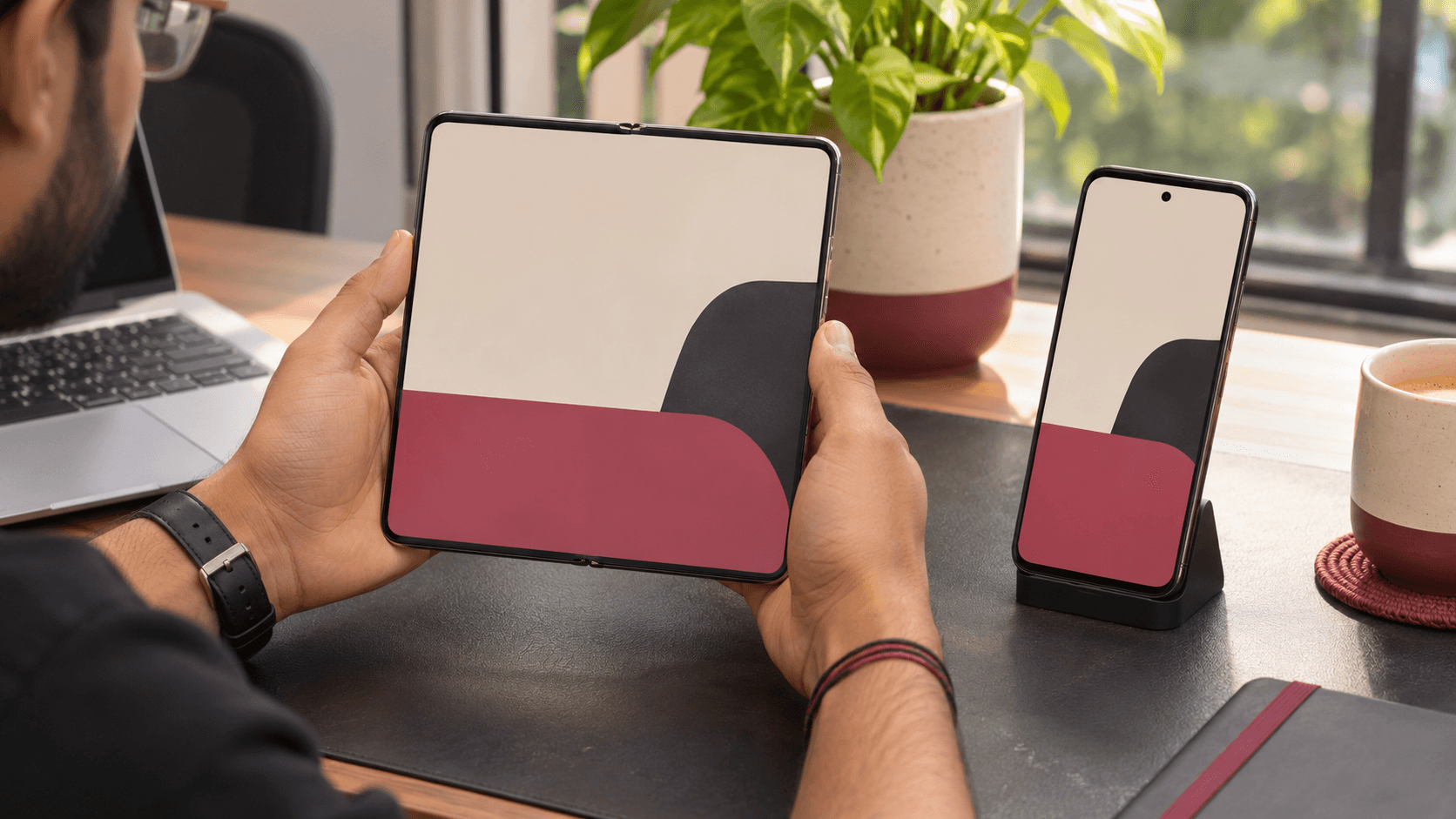
Google's screenshot capture guide says the foldable listing section accepts three to eight screenshots. The set needs at least one 1:1 unfolded inner-screen image, one 4:3 unfolded inner-screen image and one 10:16 folded outer-screen image. These are aspect-ratio requirements for the foldable section; an ordinary 9:16 phone screenshot belongs in the phone section.
Use real captures from the working app, with believable content and a screen that shows the feature the listing describes. Google's Android emulators can produce dimensionally suitable captures for both inner-screen types. Check image dimensions before upload. A designed store graphic may make a capture clearer, but it should still represent the app users will actually get.
Assign an owner for the Play Console listing, not just the code. An agency can finish a responsive release while the publisher still lacks the correct screenshot set. Conversely, uploading images of a good layout does not repair a broken app. Store assets and tested behavior need to match.
A practical release sequence
This week, identify your app's highest-value flows and run them on the phone and both unfolded sizes. Next, group defects into blockers, usability issues and polish. Fix the blockers and rerun tests through posture changes and multi-window resizing. Then capture and validate the foldable screenshots, prepare the Play Console listing, and schedule the API 37 work separately before the August 2027 target date.
Google's policy calendar gives teams time, but the earlier you test, the less likely a routine app update will turn into an urgent redesign. A modest, reliable layout on every supported screen is a better first milestone than a dramatic foldable showcase that leaves the booking or checkout flow unfinished.